


Sign up Flow: How to Sign up for the first time at Planify Application
Last Updated: Jul 28, 2026
Author: Deepanshu Pujari None
To sign up for the Planify Application, there are three ways by which you can easily connect that is:
- Signup via Email
- Signup through WhatsApp
- Signup with a Google account
Let’s have a look step by step –
Signup using Email
Steps to follow
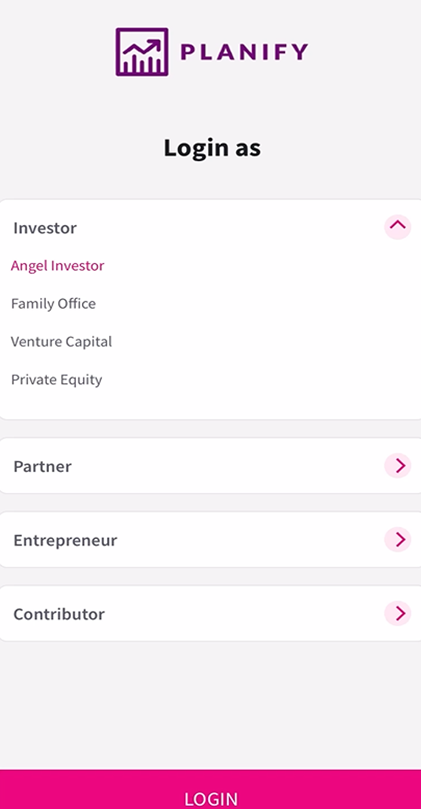
a) It starts with login as, there will be options such as login as an investor, or partner, select the one as who you are.
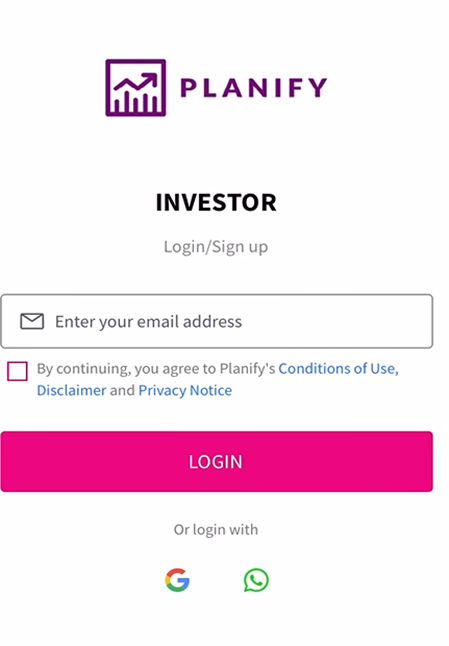
b) Enter your e-mail address and you will receive an OTP to verify the email address.
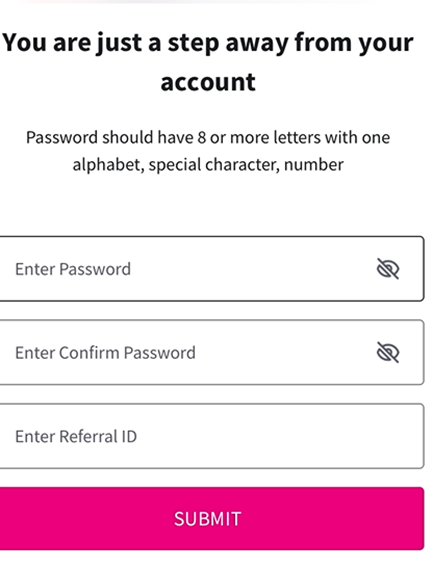
c) Enter the OTP and set your login password and enter the referral id (which is optional).
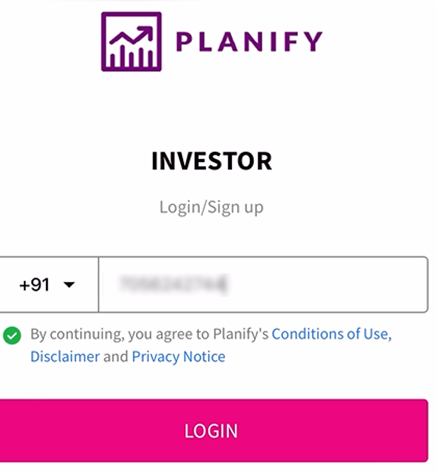
d) Next step is to verify your WhatsApp number. Enter the phone number and you will receive an OTP over WhatsApp.
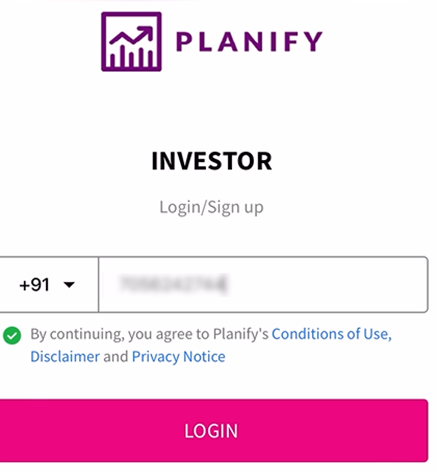
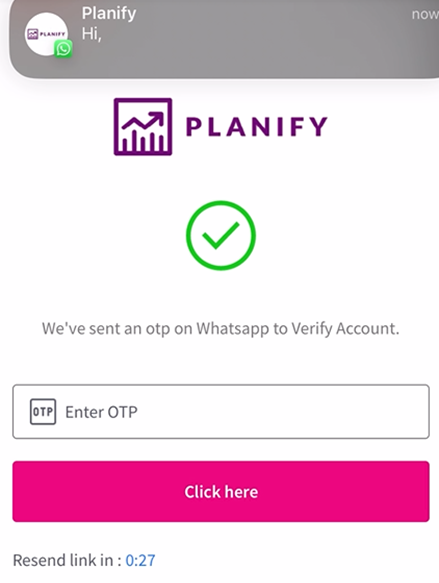
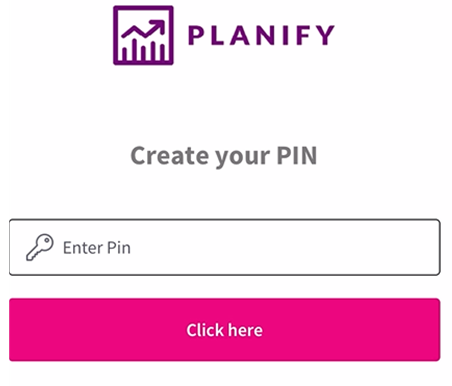
e) Enter the OTP which you have received, then create your 4-digit pin.
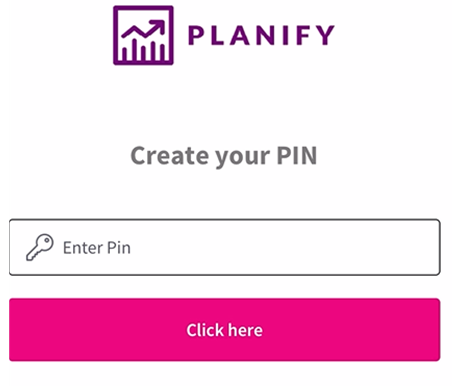
f) Next, if you click on the Let’s Begin option, it will ask for the KYC process and if you click on skip, it will take you to Startup Page.

Signup through WhatsApp number
Steps to follow
a) It starts with login as, there will be options such as login as an investor, or partner, select the one as who you are.
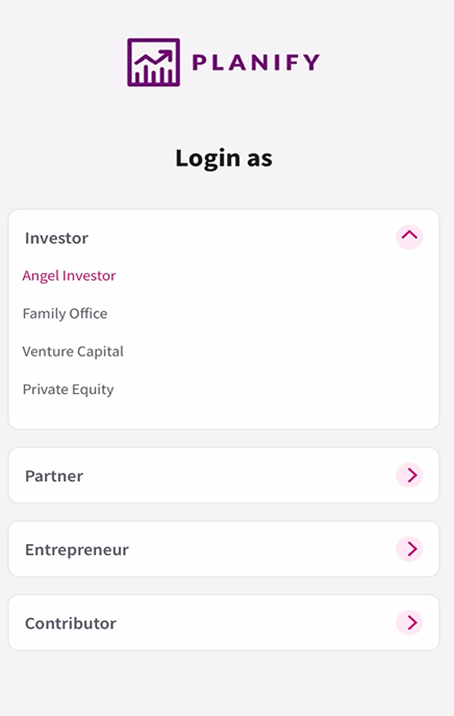
b) While login via WhatsApp number, you will receive an OTP over WhatsApp.
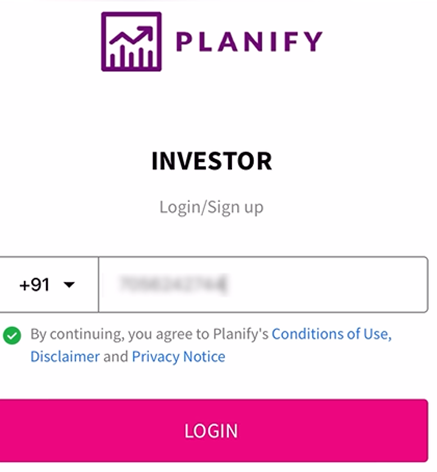
c) Enter the OTP and set the login password and enter the referral id (which is optional).
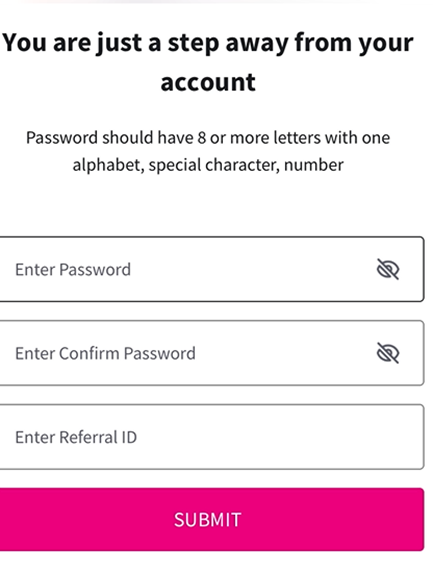
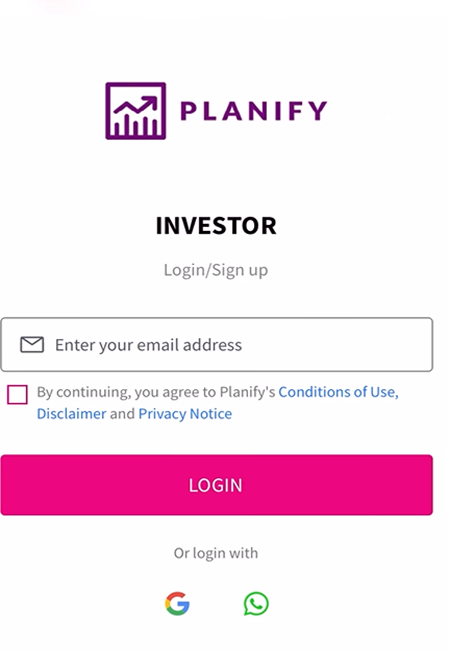
d) Enter your email and subsequently, you will receive the OTP over email.
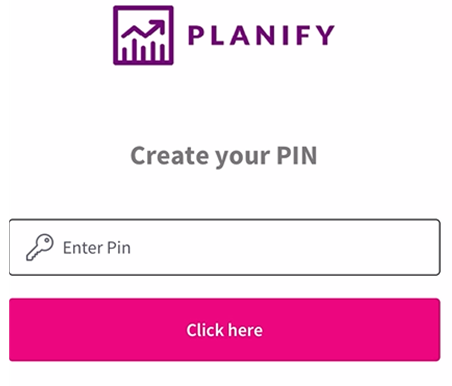
e) Create your 4-digit pin and set it to go.
f) Next, if you click on the Let’s Begin option, it will ask for the KYC process and if you click on skip, it will take you to Startup Page.

Signup using a Google account
Steps to follow
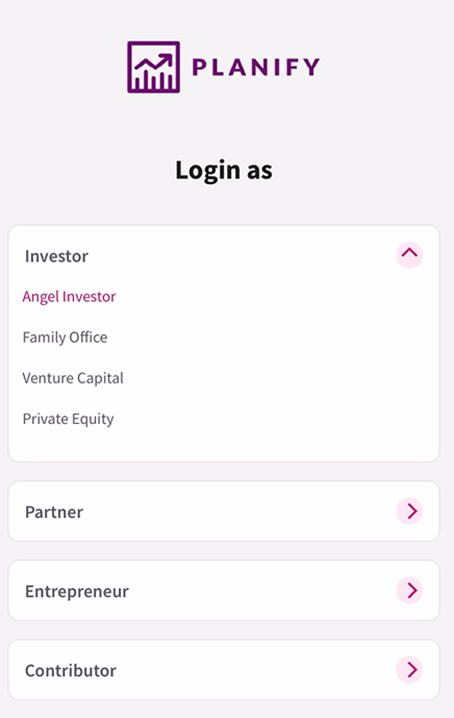
a) It starts with login as, there will be options such as login as an investor, or partner, select the one as who you are.
b) Select your Gmail account.
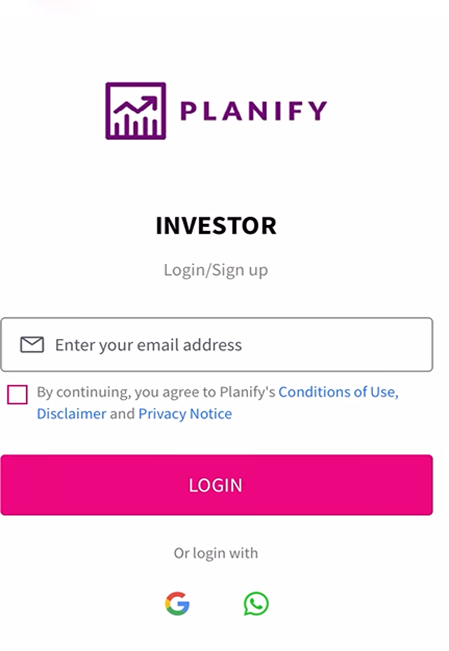
c) Then it will ask to verify your WhatsApp number and send an OTP over WhatsApp.
d) Enter that OTP to complete the verification.
e) Next step is to create your 4-digit pin.
f) Next, if you click on the Let’s Begin option, it will ask for the KYC process and if you click on skip, it will take you to Startup Page.

Stay Connected, Stay Informed –
Join Our
Don’t miss out on exclusive updates, market trends, and real-time investment opportunities. Be the first to know about the latest unlisted stocks, IPO announcements, and curated Fact Sheets, delivered straight to your WhatsApp.


Planify Enterprises Private Limited
Planify Capital Limited
Licensed By




Mutual Fund License No.:
ARN-164419
IRDA Code (1):
ABLIC1003123454
IRDA Code (2):
ABLIC1003131639
Startup India Certificate No.:
DIPP93786
Other Websites


ⓒ 2016-2026 Planify. All rights reserved, Built with
in India


